VServer Administration Training Institute | Learn Server Administration the Right Way
Servers form the foundation of many modern businesses. From websites and applications to databases and cloud platforms, organizations depend on reliable servers every day. Because of…
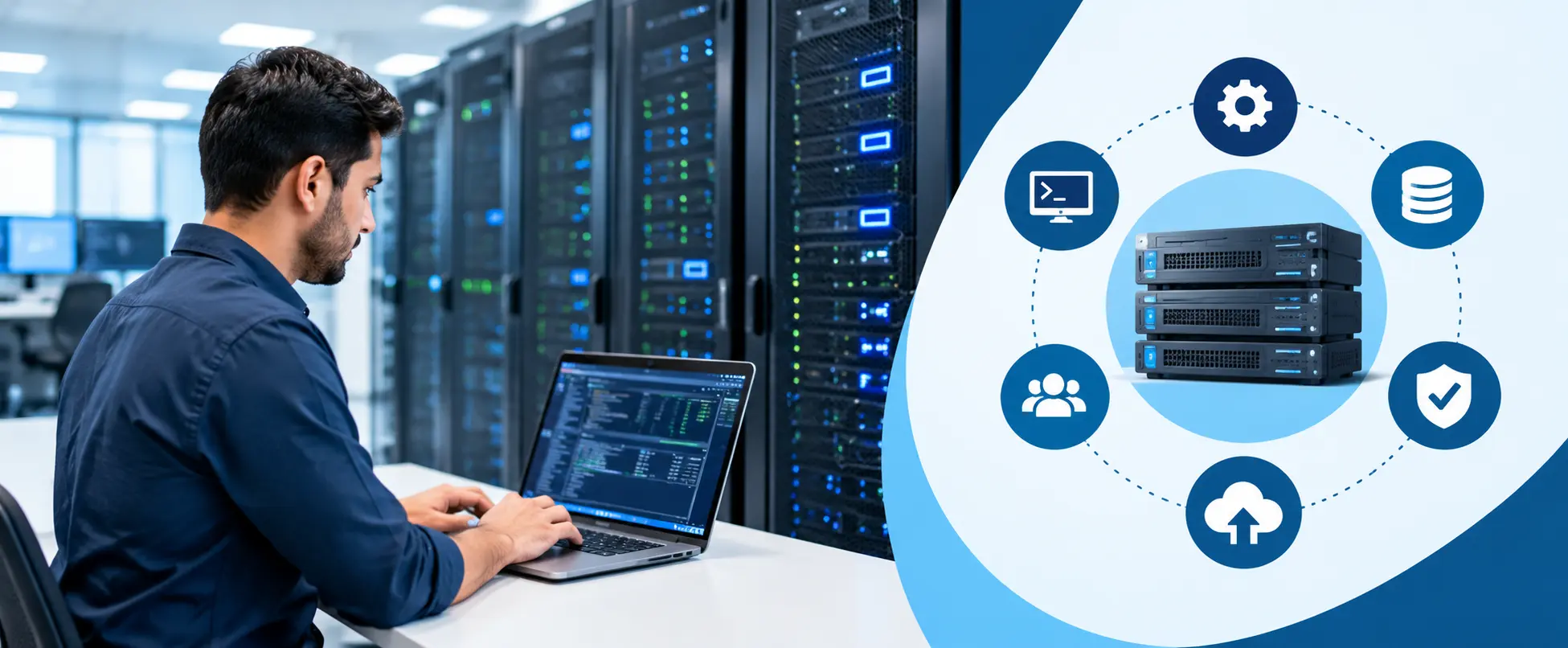
Servers form the foundation of many modern businesses. From websites and applications to databases and cloud platforms, organizations depend on reliable servers every day. Because of this, skilled administrators are always in demand. Choosing the right VServer administration training can help learners understand server setup, management, monitoring, security, and troubleshooting in a practical way. A good training program does more than explain theory. It gives learners the confidence to work with real infrastructure and handle common server issues.
What Is Server Administration?
Server administration involves managing the systems that support business applications, users, networks, databases, and other IT services. A server administrator makes sure that servers remain available, secure, and properly configured.
The role can include several responsibilities, such as:
- Installing and configuring servers
- Managing users and permissions
- Monitoring server performance
- Managing storage and resources
- Applying security updates
- Troubleshooting server problems
- Performing backups and recovery
- Managing virtual machines
- Maintaining system availability
Server administration requires both technical knowledge and practical problem-solving skills. Training helps beginners build these skills step by step.
Why Choose VServer Administration Training?
Learning server administration without practical guidance can become confusing. There are many technologies, commands, configurations, and troubleshooting methods to understand. A structured VServer administration training program gives learners a clear path.
The training can introduce important concepts before moving into advanced administration tasks. Learners can understand how servers work and then practice those concepts in a lab environment.
Practical learning is especially useful because server administrators often face unexpected problems. A server may run slowly, lose network connectivity, run out of storage, or experience service failures. Hands-on practice helps learners understand how to investigate such issues instead of simply memorizing solutions.
What Should You Learn in Server Administration?
A quality server administration course should cover the core areas that administrators use in their daily work.
Server Installation and Configuration
The first step involves learning how to install and configure server operating systems. Students can learn about system requirements, partitions, network settings, hostnames, services, and basic configurations.
Understanding installation properly creates a strong foundation for advanced administration.
User and Permission Management
Organizations usually have many users with different access requirements. Administrators need to control who can access systems, files, applications, and resources.
Training should cover user accounts, groups, permissions, authentication, and access control. These concepts are important for both security and everyday administration.
Server Monitoring
Monitoring helps administrators identify problems before they become major incidents. Learners should understand CPU usage, memory consumption, disk space, network activity, and running services.
They should also learn how to identify unusual system behavior and take corrective action.
Backup and Recovery
Data loss can cause serious problems for organizations. Server administrators therefore need to understand backup strategies and recovery processes.
A practical training program should explain different backup methods, recovery planning, system restoration, and basic disaster recovery concepts.
Understanding Virtualization
Virtualization has changed the way organizations manage IT infrastructure. Instead of running one workload on a physical server, organizations can run multiple virtual machines on the same hardware.
This approach can improve resource utilization and simplify infrastructure management.
For this reason, server administration training often includes virtualization concepts. Students learn about virtual machines, virtual CPUs, memory allocation, virtual storage, virtual networking, and resource management.
Why Learn vSphere 8?
VMware virtualization technologies are widely associated with enterprise infrastructure management. Learning vsphere 8 concepts can help students understand modern virtualized environments.
A vsphere 8 learning path can introduce important concepts such as ESXi hosts, vCenter Server, virtual machines, virtual networking, storage, resource management, and availability.
Students should not focus only on definitions. They should practice creating virtual machines, configuring resources, managing virtual networks, and monitoring virtual environments.
Understanding these technologies can make it easier for learners to connect server administration knowledge with virtualization skills.
Hands-On Labs Make a Difference
Reading about server administration is useful, but practical experience makes learning stronger. A good training institute should provide access to hands-on labs where students can perform administration tasks.
For example, learners can practice:
- Creating and managing virtual machines
- Configuring server networking
- Managing virtual storage
- Monitoring system resources
- Troubleshooting connectivity issues
- Managing user accounts
- Applying updates
- Working with server services
- Performing basic backup and recovery tasks
Hands-on labs also help students become comfortable with administration tools and interfaces.
How VServer Administration Training Supports Career Growth
IT infrastructure continues to depend on servers, virtualization, networks, and cloud technologies. As organizations expand their digital operations, they need professionals who understand infrastructure management.
Completing VServer administration training can help beginners build a foundation for roles such as:
- Server Administrator
- System Administrator
- Infrastructure Administrator
- VMware Administrator
- Virtualization Administrator
- IT Support Engineer
- Technical Support Engineer
- Data Center Administrator
Career growth depends on more than completing a course. Candidates should continue developing practical skills, troubleshooting ability, communication skills, and knowledge of current technologies.
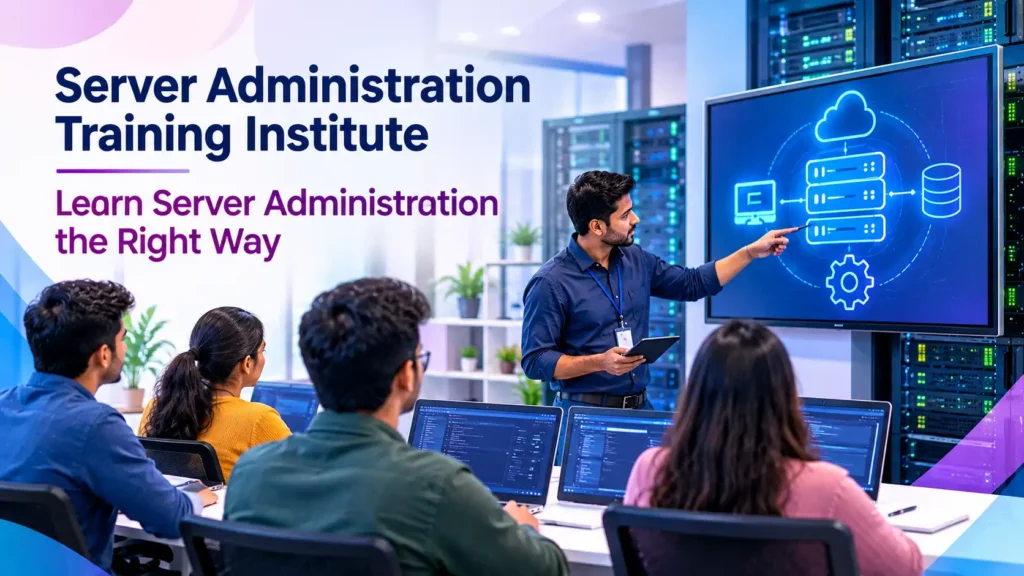
VServer Administration and Virtualization Skills Together
Server administration and virtualization are closely connected. A server administrator may need to work with physical servers as well as virtual infrastructure.
Learning VServer administration training alongside virtualization concepts can therefore provide broader infrastructure knowledge.
For example, an administrator may need to troubleshoot a virtual machine that cannot connect to the network. To solve the issue, the administrator may need to check the guest operating system, virtual network adapter, virtual switch, VLAN configuration, and physical network.
This shows why practical knowledge across multiple infrastructure layers matters.
What Makes a Good Server Administration Institute?
Choosing a training institute requires careful consideration. Not every course provides the same level of practical learning.
Look for an institute that offers:
Practical Lab Training: Students should get opportunities to perform real administration tasks.
Experienced Trainers: Trainers should understand enterprise infrastructure and explain technical topics clearly.
Updated Curriculum: The course should cover current server and virtualization technologies, including vsphere 8 where appropriate.
Troubleshooting Practice: Students should learn how to diagnose problems instead of only following installation steps.
Real-World Scenarios: Practical scenarios can help learners understand how administrators handle infrastructure issues.
Interview Preparation: Guidance on technical interviews can help students present their knowledge with confidence.
Who Can Join Server Administration Training?
Server administration training can suit different types of learners. Beginners who want to enter IT can use it to build foundational infrastructure knowledge. IT support professionals can use it to expand their technical skills.
It can also benefit system administrators who want to strengthen their virtualization knowledge.
Students with basic knowledge of computers, operating systems, networking, and IT concepts may find the learning process easier. However, a well-structured course can also introduce important concepts from the beginning.
How to Learn Server Administration the Right Way
The best approach is to learn concepts and immediately practice them.
Start with operating system fundamentals. Then move to users, permissions, networking, storage, services, monitoring, security, and troubleshooting. After building these foundations, explore virtualization.
When studying vsphere 8, focus on understanding how virtual infrastructure works rather than memorizing terms. Practice creating virtual machines and managing their resources. Try different configurations and learn how changes affect the environment.
Keep a personal lab journal as well. Write down commands, configurations, errors, and solutions. This simple habit can improve troubleshooting skills over time.
Build Practical IT Infrastructure Skills
Modern infrastructure roles require professionals who can work across different technologies. Server administration provides a strong foundation for understanding enterprise IT environments.
With VServer administration training, learners can develop knowledge of server configuration, monitoring, security, storage, networking, and troubleshooting. Adding vsphere 8 knowledge can further expand their understanding of virtualized infrastructure.
The goal should not be to simply complete a course. The real goal is to become comfortable working with servers and solving infrastructure problems.
Conclusion
Server administration remains an important part of IT infrastructure. Businesses need reliable professionals who can manage systems, troubleshoot problems, protect resources, and maintain availability.
Choosing practical VServer administration training can give learners a structured way to develop these skills. When combined with hands-on labs and vsphere 8 knowledge, the learning experience becomes more relevant to modern infrastructure environments.
If you want to build a career in server administration, start with the fundamentals, practice regularly, understand troubleshooting, and gradually move toward virtualization and advanced infrastructure technologies. This approach can help you learn server administration the right way and prepare for real-world IT responsibilities.
Discover more from RealTech IT Academy
Subscribe to get the latest posts sent to your email.