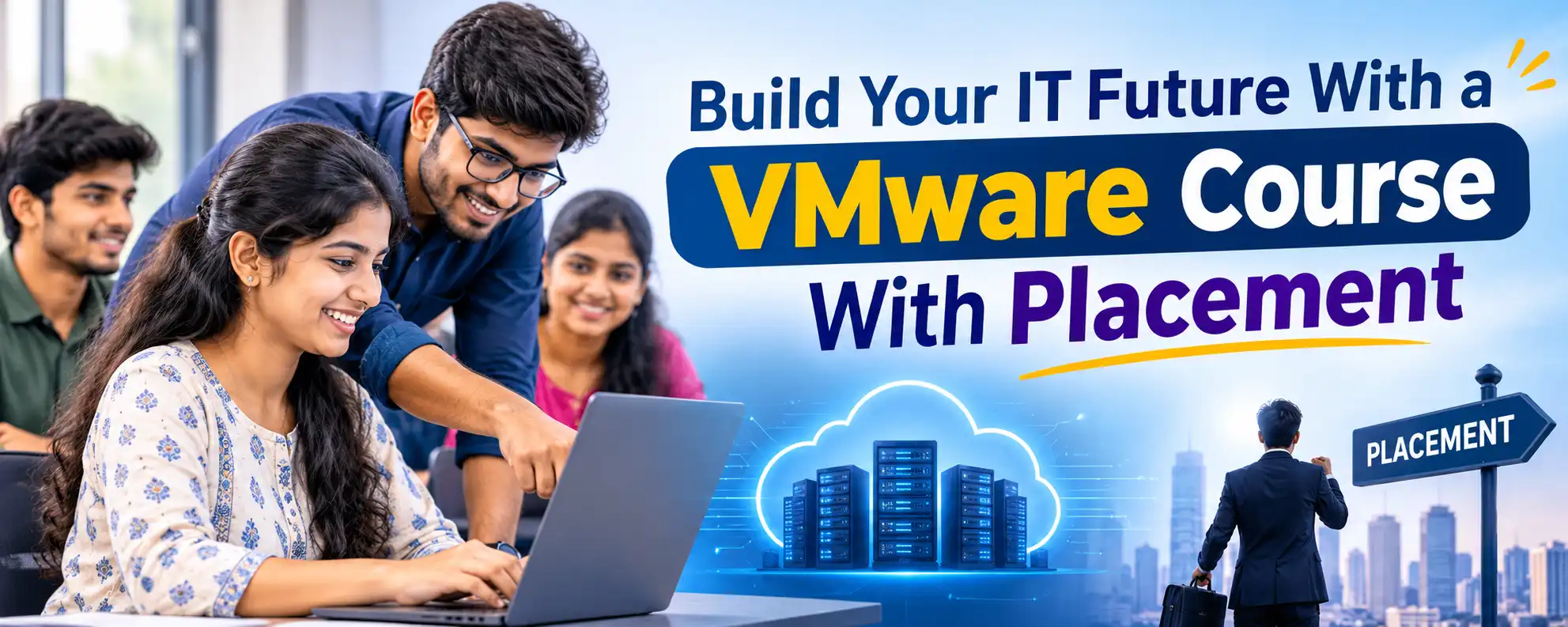
Build Your IT Future With a VMware Course With Placement
The IT industry uses virtualization to manage servers, applications, storage, and network resources. Many companies use VMware technology to run virtual machines, lower hardware costs, and…
The IT industry uses virtualization to manage servers, applications, storage, and network resources. Many companies use VMware technology to run virtual machines, lower hardware costs, and manage their IT infrastructure. Learning VMware helps students build technical skills and prepare for jobs in system administration, cloud computing, and data centre operations. A VMware Course With Placement helps learners understand virtualization concepts, practise lab tasks, and prepare for job opportunities. It also teaches students the skills companies expect from entry-level IT professionals.
Why Choose VMware for Your IT Career?
Virtualization is a key part of modern IT environments. It allows companies to run multiple virtual machines on one physical server. This helps IT teams manage hardware resources, handle workloads, and support business applications.
VMware offers tools that help organizations create and manage virtual environments. IT professionals use these tools to configure virtual machines, manage servers, monitor resources, and maintain system performance.
Learning VMware helps students explore different career options in the IT industry. Some common roles include:
- VMware Administrator: Manages virtual machines, ESXi hosts, and vCenter environments.
- System Administrator: Handles server operations, user accounts, and system maintenance.
- Virtualization Engineer: Designs and manages virtual infrastructure.
- Cloud Support Engineer: Supports cloud platforms and virtual environments.
- IT Support Engineer: Fixes server, network, and system issues.
These roles need technical knowledge and practical experience. VMware training helps learners understand virtualization tasks and develop the skills required for workplace responsibilities.
What Will You Learn in VMware Training?
A good VMware course covers the concepts and tools used in virtual infrastructure management. Students need to understand how virtualization works before moving to advanced administration tasks.
1. Virtualization Fundamentals
The course starts with the basics of virtualization. Students learn how physical servers, virtual machines, storage, and networks work together.
Important topics include:
- Introduction to virtualization
- Physical and virtual machine differences
- Benefits of server virtualization
- Hypervisors and their types
- Virtual machine architecture
- Virtualization in business environments
These topics help students understand how companies use virtual infrastructure to manage IT resources.
2. VMware ESXi Installation and Configuration
VMware ESXi is a hypervisor used to create and run virtual machines. Students learn how to install and configure ESXi on a physical server.
Practical sessions may cover:
- ESXi installation
- Host configuration
- Network settings
- Storage configuration
- Datastore management
- Host monitoring
Working with ESXi helps learners understand server virtualization and host management.
3. Virtual Machine Management
Virtual machines are a key part of VMware environments. Students learn how to create, configure, and manage virtual machines for different workloads.
Training can include:
- Creating virtual machines
- Installing guest operating systems
- Configuring CPU and memory
- Managing virtual disks
- Taking snapshots
- Cloning virtual machines
- Moving and deleting virtual machines
These tasks help students understand how IT teams manage virtual resources in business environments.
4. VMware vCenter Server
vCenter Server provides a central platform to manage multiple ESXi hosts and virtual machines. It helps administrators monitor and control virtual infrastructure from one location.
Students learn about:
- vCenter Server installation
- Adding ESXi hosts
- Creating data centres and clusters
- Managing virtual machine resources
- User roles and permissions
- Monitoring host performance
Knowledge of vCenter Server is useful for professionals who want to work with large virtual environments.
5. VMware High Availability and vMotion
VMware offers features that support workload movement and system availability. Students learn how these features help organizations manage virtual infrastructure.
The course may cover:
- vMotion for virtual machine migration
- High Availability (HA)
- Distributed Resource Scheduler (DRS)
- Resource allocation
- Cluster management
- Basic troubleshooting
Understanding these features helps learners handle common virtualization tasks and support business operations.
Why Practical Lab Training Matters
Reading about VMware concepts can help students understand the basics, but practical experience is important for technical roles. Lab sessions give learners a chance to work with VMware tools and perform tasks in a controlled environment.
Students can practise installing ESXi, creating virtual machines, configuring storage, and managing virtual networks. They can also work on tasks related to vCenter Server, snapshots, migration, and troubleshooting.
Practical sessions help learners:
- Understand VMware tools and interfaces
- Perform server administration tasks
- Identify and fix common configuration issues
- Improve technical problem-solving skills
- Build confidence in handling virtual environments
A structured lab environment also helps students learn from mistakes. They can repeat tasks, test different configurations, and understand how each setting affects the virtual infrastructure.
How a VMware Course With Placement Supports Job Preparation
Technical training is one part of career preparation. Students also need to understand job requirements, prepare for interviews, and present their skills to employers.
A VMware Course With Placement can connect technical learning with career support. Students get guidance on the skills and responsibilities expected in entry-level IT roles.
Placement support may include:
Resume Preparation
A clear resume helps employers understand a candidate’s technical skills, training, and practical knowledge. Students can learn how to mention VMware tools, lab experience, and project work in their resumes.
Interview Preparation
Interview sessions help students prepare for technical and basic HR questions. Trainers can cover topics such as ESXi, vCenter Server, virtual machines, snapshots, vMotion, and troubleshooting.
Practical Interview Questions
Employers may ask candidates to explain how they would complete common VMware administration tasks. Lab practice helps students understand these questions and explain their approach.
Job Search Guidance
Students can receive guidance on applying for roles that match their skills. This may include system administrator, VMware support, technical support, and infrastructure support positions.
Placement assistance does not guarantee a job. Students need to practise, improve their knowledge, and take part in the selection process.
Choosing the Right VMware Training Institute Hyderabad
Selecting the right training centre is an important step for students who want to learn virtualization. A good institute should offer a clear course structure, practical lab access, and guidance from trainers with industry experience.
When comparing a VMware training institute Hyderabad option, check the following points:
Experienced Trainers
Trainers should understand VMware technologies and have practical knowledge of virtualization environments. They should explain technical topics in simple language and guide students through lab tasks.
Practical Lab Access
Check whether the institute provides access to VMware tools and a working lab environment. Students should get enough time to practise installation, configuration, and troubleshooting.
Updated Course Content
VMware technologies change over time. The course should cover relevant tools, concepts, and administration tasks used in current IT environments.
Placement Assistance
Ask about resume support, mock interviews, job updates, and interview preparation. Understand what the placement support includes before joining the course.
Student Reviews and Course Details
Read student feedback and check the course duration, class schedule, fees, and training format. A clear course outline helps you understand what you will learn.
A suitable VMware training institute Hyderabad should focus on technical learning and practical experience. Students should compare available options before making a decision.
Career Opportunities After VMware Training
VMware skills can support career growth in system administration and IT infrastructure management. Companies use virtual environments to host applications, manage servers, and support daily business operations.
After completing training and gaining practical knowledge, learners can explore roles such as:
- VMware Administrator: Maintains ESXi hosts, virtual machines, and vCenter Server.
- System Administrator: Manages operating systems, servers, and user access.
- IT Infrastructure Engineer: Supports server, storage, and network environments.
- Technical Support Engineer: Helps resolve system and infrastructure issues.
- Virtualization Support Engineer: Provides support for virtual machines and VMware platforms.
The responsibilities and skill requirements vary across companies. Some roles may require knowledge of Linux, Windows Server, networking, storage, and cloud platforms along with VMware.
Students can improve their career options by practising lab tasks, learning related technologies, and gaining experience through projects or entry-level roles.
Tips to Get the Most From VMware Training
Students can follow a few steps to improve their learning experience:
- Learn the basics first: Understand networking, operating systems, storage, and server concepts.
- Practise each topic: Complete lab exercises instead of relying only on theory.
- Create a practice environment: Use available lab resources to test VMware configurations.
- Make notes: Record important commands, settings, and troubleshooting steps.
- Prepare for interviews: Review technical questions and explain concepts in your own words.
- Keep learning: Explore related areas such as cloud computing, Linux, and Windows Server.
Regular practice helps students understand how VMware environments work. It also prepares them to handle technical tasks in a professional setting.
Conclusion
VMware knowledge can help students build a foundation in virtualization, server administration, and IT infrastructure management. Practical training gives learners experience with ESXi, vCenter Server, virtual machines, and other VMware tools.
A course that includes lab sessions and placement guidance can support both technical learning and job preparation. Students should review the syllabus, trainer experience, lab facilities, and placement support before choosing an institute. With consistent practice and a clear learning plan, they can prepare for entry-level IT roles and build a path toward advanced infrastructure and cloud technologies.
Discover more from RealTech IT Academy
Subscribe to get the latest posts sent to your email.