How Data Center Training Builds Practical IT Skills
Data centres are a key part of the IT industry. They support websites, cloud platforms, business applications, databases, and enterprise networks. Companies use data centres to…
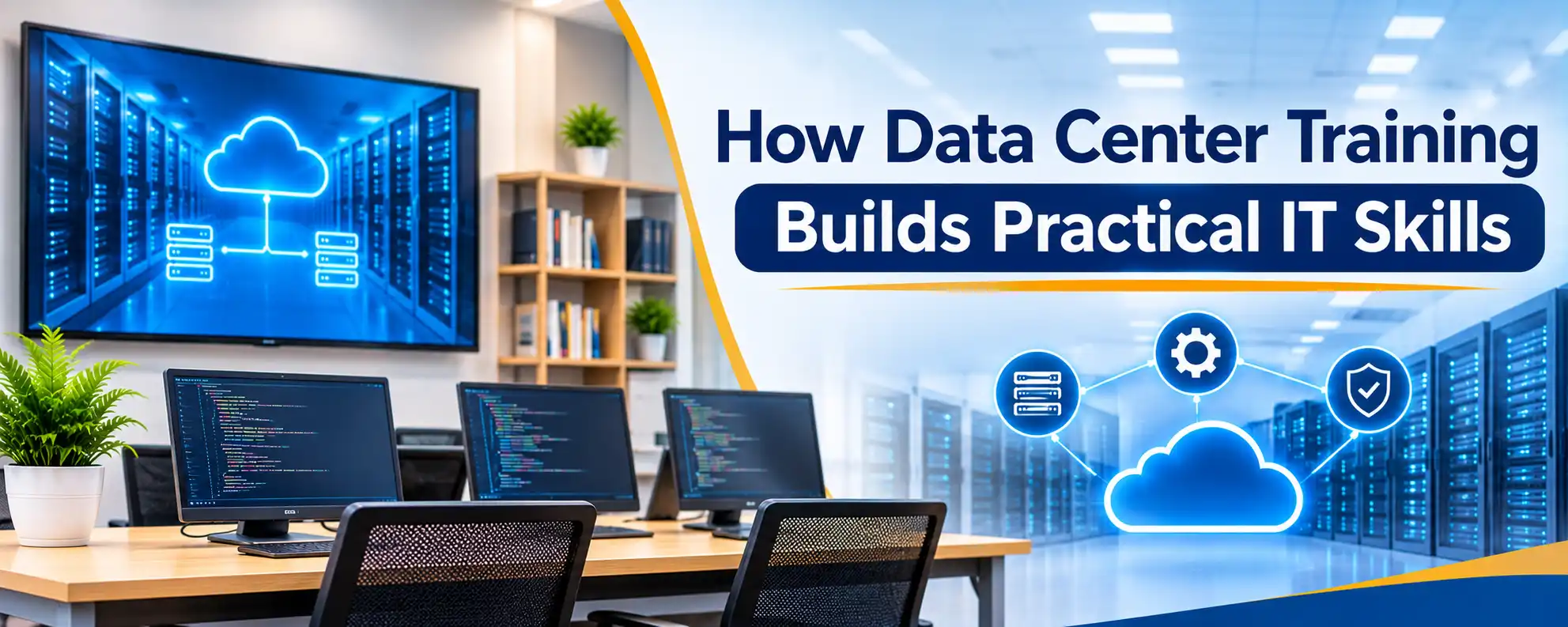
Data centres are a key part of the IT industry. They support websites, cloud platforms, business applications, databases, and enterprise networks.
Companies use data centres to store information, manage servers, and run their IT services. Learning how data centres work helps students build technical knowledge and prepare for IT jobs.
Data Center Training helps learners understand server management, networking, storage, virtualization, and data centre operations through hands-on practice. It connects classroom learning with real IT infrastructure tasks.
What Is a Data Centre?
A data centre is a facility that contains servers, storage systems, networking equipment, and other IT resources. It provides the infrastructure to store, process, and manage data. Businesses use data centres to host applications, run websites, support cloud services, and manage their internal systems.
A data centre has several components that work together:
- Servers: Run applications, process data, and provide services to users.
- Storage systems: Store files, databases, backups, and business information.
- Networking devices: Connect servers, storage systems, users, and external networks.
- Cooling systems: Maintain temperature levels and prevent equipment from overheating.
- Power systems: Supply electricity and provide backup power during outages.
- Security systems: Protect equipment, data, and facility access.
Understanding these components helps students learn how companies manage IT infrastructure and maintain their systems.
Why Practical IT Skills Matter in Data Centre Operations
IT companies need professionals who can work with servers, networks, storage, and virtualization technologies. Basic theoretical knowledge is not enough for many technical roles. Employers look for candidates who understand system operations and can handle common IT tasks.
Practical training helps students learn how to configure servers, monitor system performance, manage network connections, and identify technical issues. It also helps them understand how different infrastructure components work together.
Students who receive hands-on training can develop skills such as:
- Server installation and configuration
- Operating system management
- Network setup and troubleshooting
- Storage management
- Virtual machine administration
- Backup and recovery
- Hardware monitoring
- Basic infrastructure troubleshooting
These skills can help students prepare for entry-level roles in IT support, system administration, network support, and data centre operations.
What You Learn in Data Center Training
A structured course covers the technologies and tasks used in data centre environments. Students need to understand server hardware, operating systems, networking, virtualization, storage, and infrastructure management.
1. Server Hardware and Components
Servers are the foundation of data centre operations. Students learn about server components and their functions, including processors, RAM, hard drives, SSDs, RAID controllers, power supplies, and network interfaces.
Training helps learners understand server hardware configurations, hardware maintenance, and the role of each component. They can learn how to identify hardware issues and understand the steps involved in server installation.
This knowledge helps students build a foundation for server administration and IT infrastructure support.
2. Windows Server Administration
Windows Server is used by businesses to manage users, systems, applications, and network resources. Training introduces students to server installation, configuration, and administration.
Topics may include:
- Windows Server installation
- Active Directory
- User and group management
- DNS and DHCP
- Group Policy
- File and folder permissions
- Server monitoring
Students can practise creating user accounts, managing permissions, configuring network services, and handling basic server administration tasks.
3. Linux Server Administration
Linux is used in web hosting, cloud platforms, enterprise systems, and server environments. Learning Linux commands and administration helps students understand how Linux servers operate.
Training can cover file management, user permissions, package installation, service management, networking, and system monitoring. Students can practise commands and perform common server tasks through lab sessions.
Linux knowledge is useful for system administration, cloud support, DevOps, and infrastructure management roles.
4. Networking Fundamentals
Networking connects servers, computers, storage systems, and users. Data centre professionals need to understand how network communication works to maintain connectivity and troubleshoot issues.
The course may cover:
- IP addressing
- Subnetting
- DNS
- DHCP
- LAN and WAN concepts
- Switches and routers
- VLANs
- Network troubleshooting
Learning networking fundamentals helps students understand how servers communicate and how IT teams manage network connections.
5. Server Virtualization
Virtualization allows organizations to run multiple virtual machines on a single physical server. It helps companies use hardware resources, manage workloads, and reduce the need for separate physical servers.
Students learn about hypervisors, virtual machines, virtual storage, virtual networking, and resource allocation. They can also explore VMware technologies used in enterprise virtualization environments.
Virtualization training helps learners understand how companies manage virtual infrastructure and support server workloads.
6. Storage and Backup Management
Data centre environments need storage systems to maintain business data, application files, databases, and backups. Students learn the basics of storage management and data protection.
Training topics may include:
- Storage devices and systems
- RAID concepts
- NAS and SAN
- Backup methods
- Data recovery basics
- Storage monitoring
These topics help learners understand how IT teams protect data and maintain access to business information.
How Data Center Training Builds Hands-On Experience
Practical sessions help students understand how IT infrastructure works outside textbooks. A training lab gives learners the chance to perform technical tasks, test configurations, and troubleshoot problems.
During lab sessions, students may practise installing operating systems, configuring servers, creating user accounts, setting IP addresses, managing virtual machines, and monitoring system resources.
Hands-on practice helps students:
- Understand server configuration
- Work with Windows and Linux systems
- Learn virtualization tools
- Configure network settings
- Identify hardware and software issues
- Improve troubleshooting skills
- Gain confidence in technical tasks
Lab practice also helps students understand how different systems depend on one another. For example, a server may need proper network settings, DNS configuration, storage access, and user permissions to work as expected.
Best Data Center Training Online for Flexible Learning
Students and working professionals may not always have time to attend classroom sessions. Online training provides another way to learn data centre technologies while managing work, college, or other responsibilities.
Choosing the Best Data Center Training Online program requires more than checking the course fee or duration. Students should review the syllabus, trainer experience, lab access, and practical learning options.
A good online course should offer:
- A clear course syllabus
- Live or recorded training sessions
- Practical lab exercises
- Server and virtualization demonstrations
- Technical doubt-clearing sessions
- Course materials and practice tasks
- Guidance for interview preparation
Online training works well when students can practise the topics covered in each session. A course with lab access and technical support can help learners build skills instead of relying on theory alone.
Students should also check whether the course covers current infrastructure technologies and provides enough time to practise server and network administration.
Understanding Data Center Technology
Modern IT infrastructure includes physical servers, virtual machines, cloud platforms, storage systems, networking, and security tools. Professionals need to understand how these technologies work together to support business operations.
Data Center Technology includes the hardware, software, and systems used to manage data centre environments. It covers server infrastructure, virtualization, networking, storage, power management, monitoring, and security.
Learning these technologies helps students understand how organizations manage applications and data. It also introduces them to the infrastructure behind cloud services, enterprise applications, websites, and business systems.
Students can explore areas such as:
- Server virtualization
- Cloud infrastructure
- Network management
- Data centre monitoring
- Storage technologies
- Infrastructure security
- Backup and disaster recovery
Knowledge of Data Center Technology can help learners understand IT infrastructure roles and prepare for further training in cloud computing, virtualization, and system administration.
Career Opportunities After Data Centre Training
Data centre skills can help students explore different technical roles in the IT industry. Companies need professionals to manage servers, monitor infrastructure, maintain network connections, and support business systems.
After completing training and gaining practical knowledge, learners can explore roles such as:
- Data Centre Technician: Monitors servers, hardware, power systems, and infrastructure operations.
- System Administrator: Manages operating systems, servers, user accounts, and system maintenance.
- IT Support Engineer: Troubleshoots hardware, software, and connectivity issues.
- Server Administrator: Handles server installation, configuration, monitoring, and maintenance.
- Network Support Engineer: Supports network devices, connectivity, and troubleshooting.
- Infrastructure Support Engineer: Helps maintain servers, storage, networks, and virtual environments.
Job requirements depend on the company and role. Some positions may require knowledge of Linux, Windows Server, VMware, networking, cloud platforms, or hardware troubleshooting.
Students can improve their job readiness by practising lab tasks, learning technical concepts, and preparing for interviews.
Tips to Improve Your Data Centre Skills
Students can follow a clear learning plan to develop their technical knowledge.
- Learn server basics: Understand hardware components, operating systems, and server functions.
- Practise Windows and Linux: Work with commands, user accounts, permissions, and system settings.
- Study networking: Learn IP addressing, DNS, DHCP, VLANs, and connectivity troubleshooting.
- Explore virtualization: Practise creating and managing virtual machines.
- Work on lab tasks: Perform installation, configuration, monitoring, and troubleshooting exercises.
- Prepare for interviews: Review common technical questions and explain the tasks you have practised.
Regular lab practice helps students understand the purpose of each configuration and develop problem-solving skills.
Conclusion
Data centres support business applications, cloud platforms, networks, and digital services. Learning server administration, networking, storage, virtualization, and infrastructure management can help students prepare for technical roles in the IT industry.
A course that combines theory with lab practice gives learners a better understanding of server environments and infrastructure operations. Students should choose training that covers relevant technologies, offers practical sessions, and provides guidance for career preparation. With consistent practice and technical learning, they can build a foundation for IT support, system administration, and data centre operations.
Discover more from RealTech IT Academy
Subscribe to get the latest posts sent to your email.