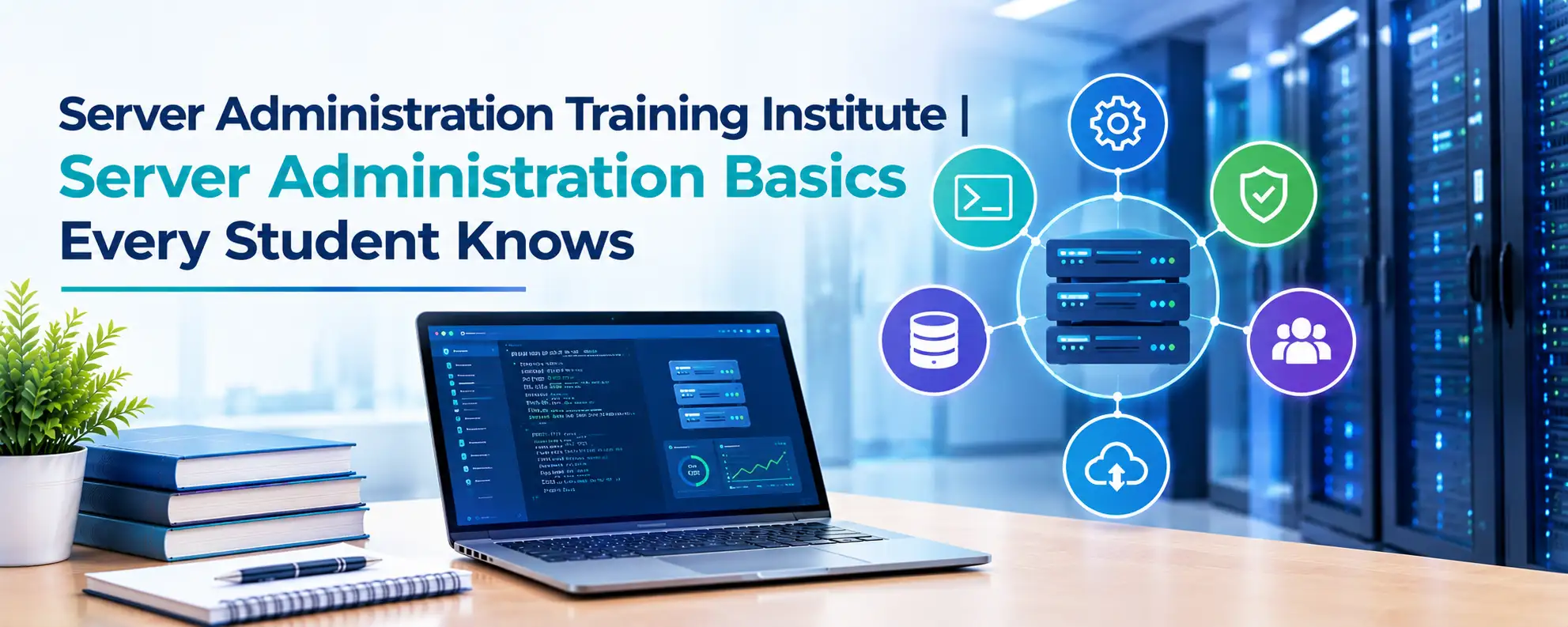
Server Administration Training Institute | Server Administration Basics Every Student Knows
Servers support websites, business applications, databases, and company networks. Many organizations depend on servers to store information, manage users, and run their daily operations. Students who…
Servers support websites, business applications, databases, and company networks. Many organizations depend on servers to store information, manage users, and run their daily operations. Students who want to build a career in IT need to understand how these systems work. A Server administration training institute helps learners develop the knowledge needed to install, configure, monitor, and maintain servers. Learning basic server management also introduces students to file sharing, network security, user access, and troubleshooting. These skills create a strong foundation for future roles in IT support and infrastructure administration.
What Is Server Administration?
Server administration involves managing the systems that provide services to users, applications, and other computers. A server administrator keeps these systems available, secure, and ready to handle workloads.
For example, a company may use a file server to share documents, a web server to host its website, and a database server to store customer information. Each server has a specific purpose, and administrators must understand how these systems operate.
Server administration includes several important tasks:
- Installing and configuring server operating systems
- Creating user accounts and managing permissions
- Configuring network settings
- Monitoring system performance
- Managing storage and disk space
- Applying security updates
- Maintaining backups and recovery plans
- Troubleshooting hardware and software issues
Students who learn these basics can understand how organizations manage their IT infrastructure. Practical lessons help them connect technical concepts with everyday administration tasks.
Why Should Students Learn Server Administration?
Server administration offers a useful starting point for students who want to enter the IT industry. Many technical roles require an understanding of operating systems, networking, storage, security, and system troubleshooting.
A structured Server administration training institute can help students learn these subjects in an organized way. Trainers can explain the fundamentals before moving to advanced tasks. Lab sessions allow students to practice configurations and understand how different settings affect a server.
Students can benefit from server administration training in several ways:
Technical knowledge: Learn how operating systems, services, networks, and storage work together.
Problem-solving skills: Understand how to identify errors and investigate their causes.
Practical experience: Work with server environments instead of relying on theory alone.
Career preparation: Build foundational skills for system administration, IT support, and infrastructure roles.
Students do not need to master every technology at once. A clear learning path helps them develop their knowledge one topic at a time.
Understanding Server Operating Systems
An operating system controls the basic functions of a server. It manages hardware resources, runs applications, controls access, and supports network services.
Windows Server and Linux are common technologies in server environments. Each platform has its own tools, commands, and administration methods.
Windows Server Basics
Windows Server supports services such as user management, file sharing, network administration, and application hosting. Students should learn how to install the operating system, configure network settings, manage accounts, and monitor services.
They can also explore Active Directory concepts, Group Policy, permissions, and Windows updates. These topics help learners understand how organizations manage computers and users within a business network.
Linux Server Basics
Linux servers support websites, applications, databases, cloud services, and development environments. Students should learn basic Linux commands, file permissions, package management, service control, and log inspection.
Command-line practice is important because many Linux administration tasks rely on terminal tools. Students should understand how to check system resources, manage files, and investigate service errors.
Learning both Windows and Linux can give students a broader understanding of server environments.
Learn File Transfer with an SFTP Server
File transfer is an important part of server administration. Organizations need ways to move files between computers and servers while protecting business information. This is where an sftp server becomes useful.
SFTP stands for SSH File Transfer Protocol. It transfers files through an SSH connection, which provides encryption for data sent between the client and server. SFTP helps protect files and login credentials while they travel across a network.
Students should understand how an sftp server works and how administrators control access to it.
Important concepts include:
- Configuring SFTP access
- Creating user accounts for file transfers
- Managing file and directory permissions
- Using SSH authentication
- Restricting users to approved directories
- Troubleshooting connection problems
- Reviewing logs and access activity
For example, a business may need to share reports with a partner in another location. An administrator can configure SFTP access so the partner can transfer approved files without receiving unnecessary access to the entire server.
Students should also learn to use strong authentication, protect private keys, and grant only the permissions each user needs.
Server Networking Fundamentals
Networking allows servers to communicate with users, applications, and other systems. Students need a basic understanding of IP addresses, DNS, gateways, ports, and network protocols.
An IP address identifies a device on a network. DNS translates domain names into IP addresses. Ports help direct network traffic to the correct services.
Administrators use these concepts to configure services and diagnose connectivity issues.
A server may be running correctly but remain inaccessible because of a firewall rule, incorrect DNS entry, or network configuration error. Students should learn to check these settings in a structured way.
Practical exercises can include assigning IP addresses, testing connectivity, checking listening ports, and reviewing firewall rules. These tasks help students understand the relationship between servers and networks.
Server Security and User Management
Security is a core responsibility of every server administrator. Poor access controls, outdated software, and weak passwords can expose business systems to risk.
Students should learn how to protect servers through basic security practices. These include creating individual user accounts, applying suitable permissions, installing updates, disabling unnecessary services, and monitoring system activity.
A secure sftp server also needs proper access controls. Administrators should provide access only to approved users and restrict their activities based on business requirements.
Regular updates help address known software vulnerabilities. Backups support recovery after data loss or system failure. Log reviews can help administrators identify unusual activity.
Students should understand that security is not a single configuration step. It requires regular checks and consistent administration practices.
Why Hands-On Server Administration Training Matters
Reading technical material can explain how a server works, but lab practice shows students how to manage one. Practical sessions allow learners to make configuration changes, test services, identify errors, and correct problems.
A good Server administration training institute should include exercises that reflect common workplace tasks.
Students may practice installing a server operating system, creating user accounts, configuring shared folders, managing storage, and setting up remote access. They can also learn how to monitor system performance and investigate service failures.
File transfer exercises can help students configure an sftp server, test client connections, and verify file permissions.
These activities build confidence and improve technical understanding. Students also learn that troubleshooting requires patience, careful observation, and a step-by-step approach.
Essential Server Administration Skills Every Student Should Know
Students should focus on a set of core skills before moving to advanced infrastructure technologies.
1. Command-Line Skills
Learn basic commands for navigating directories, managing files, checking processes, and reviewing system information. Linux students should become comfortable using the terminal. Windows students should explore Command Prompt and PowerShell.
2. User and Permission Management
Understand how to create accounts, assign permissions, manage groups, and restrict access. These skills help protect data and maintain control over server resources.
3. Monitoring and Troubleshooting
Learn how to check CPU usage, memory consumption, disk space, network activity, and system logs. Monitoring helps administrators recognize problems and decide what to investigate.
4. Backup and Recovery
Understand how backups work, where backup copies should be stored, and how to restore data. Students should also learn why regular recovery tests matter.
5. Secure File Transfer
Learn the purpose of SFTP, how SSH authentication works, and how access permissions affect file transfers. Practice helps students understand the security considerations involved in moving files between systems.
These skills create a solid base for more advanced server and infrastructure training.
Career Opportunities After Server Administration Training
Server administration knowledge can support entry-level IT career paths. Employers may look for candidates who understand operating systems, networking, user management, security, and troubleshooting.
Possible roles include:
- IT Support Engineer
- Server Administrator
- System Administrator
- Linux Administrator
- Windows Server Administrator
- Infrastructure Support Engineer
- Data Center Support Technician
The skills required for each role depend on the employer and the work environment. Some positions require additional knowledge of cloud platforms, virtualization, scripting, or enterprise networking.
A training certificate can show that a student has completed a course, but practical ability remains important. Students should build lab projects, document the tasks they perform, and practice explaining how they solved technical problems.
How to Choose the Right Training Institute
Students should compare training institutes before enrolling in a course. The right program should offer a clear syllabus, practical labs, trainer guidance, and opportunities to work through technical problems.
Look for a Server administration training institute that covers operating system fundamentals, networking, user management, security, monitoring, backup, and file transfer. Ask whether the course includes practical exercises and troubleshooting scenarios.
Check whether students receive access to lab environments outside demonstrations. Ask how trainers assess progress and whether the course includes interview preparation.
A useful course should help students understand why a configuration works, not just which buttons to click. This knowledge makes it easier to apply the same principles to different server environments.
Conclusion
Server administration is a valuable skill for students who want to build a career in IT infrastructure. Understanding operating systems, networking, user permissions, security, and troubleshooting helps learners prepare for real technical responsibilities.
A Server administration training institute can provide a structured learning path, while practical lab sessions help students apply what they learn. Understanding an sftp server adds useful knowledge of secure file transfers, authentication, and access control.
Students who practice these fundamentals, document their work, and continue learning can build a strong foundation for server administration and related IT roles.
Discover more from RealTech IT Academy
Subscribe to get the latest posts sent to your email.