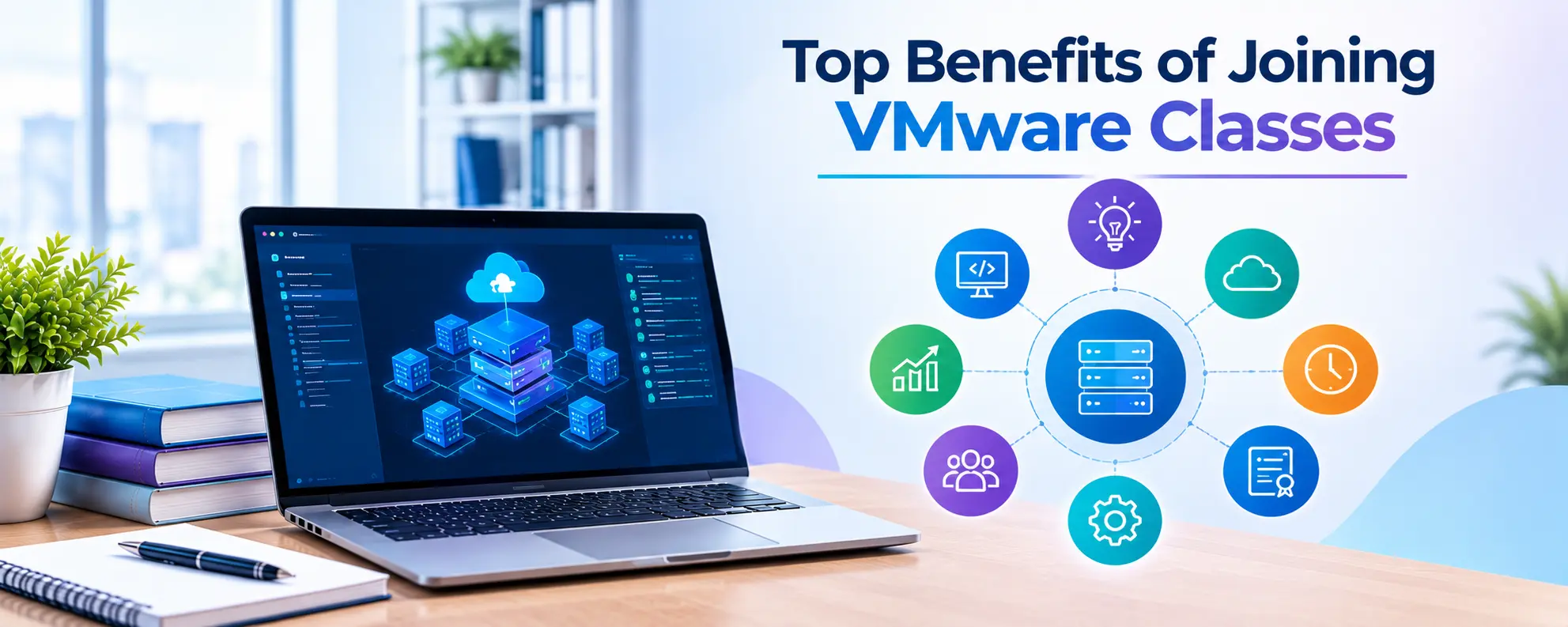
Top Benefits of Joining VMware Classes
Virtualization is an important part of IT infrastructure. Businesses use virtual machines to run applications, manage servers, lower hardware costs, and use resources well. IT professionals…
Virtualization is an important part of IT infrastructure. Businesses use virtual machines to run applications, manage servers, lower hardware costs, and use resources well. IT professionals with virtualization skills can explore careers in server administration, cloud computing, and data center management. Joining VMware Classes helps learners gain practical knowledge of virtualization tools and server environments. A VMware administrator course helps students and IT professionals learn the skills required to work with VMware technologies.
What Are VMware Classes?
VMware classes teach students to create, configure, manage, and troubleshoot virtual environments. The training covers virtualization concepts and tools used to run virtual machines on physical servers.
VMware technology allows businesses to run multiple virtual machines on one physical server. Each virtual machine can have its own operating system and applications. This setup helps IT teams manage workloads, plan resource use, and support business services.
VMware Classes cover topics such as ESXi, vCenter Server, virtual machine management, virtual networking, storage, snapshots, and resource allocation. The topics depend on the training provider and the VMware technology version included in the course.
A VMware administrator course helps learners understand these concepts and practice common administration tasks. Students can learn how virtual environments work and how IT administrators manage them in business settings.
1. Build a Strong Foundation in Virtualization
Virtualization is a key part of server infrastructure and many cloud environments. Beginners need to understand how virtual machines work before moving on to administration tasks.
VMware training introduces concepts such as hypervisors, virtual CPUs, virtual memory, virtual disks, and virtual networks. These concepts help students understand how a physical server can support multiple workloads.
In VMware Classes, learners can study how to create virtual machines, install operating systems, allocate resources, and manage virtual hardware. Practical sessions help students connect theory with common IT tasks.
A VMware administrator course can also explain the role of ESXi and vCenter Server in a virtual infrastructure. ESXi runs virtual machines on physical hosts, while vCenter Server helps administrators manage supported VMware environments from a central interface.
This foundation can help beginners prepare for advanced virtualization topics and understand the systems used in data centers.
2. Gain Hands-On Practical Experience
Practical experience is an important part of technical training. Reading about virtualization can explain the concepts, but lab practice helps learners understand how to use the tools.
Students can use a training lab to create virtual machines, configure virtual networks, assign storage, and monitor system resources. They can also practice starting, stopping, cloning, and modifying virtual machines.
Good VMware Classes include practical exercises that reflect common administration tasks. Learners can work through configuration steps, identify errors, and understand how changes affect a virtual environment.
A VMware administrator course with lab sessions can help students practice tasks such as:
- Creating and configuring virtual machines.
- Managing virtual machine resources.
- Working with virtual switches and network settings.
- Monitoring host performance.
- Creating snapshots and understanding their use.
- Troubleshooting basic virtual machine issues.
These activities help learners develop technical confidence. They also provide examples of practical work that students can discuss during interviews.
3. Prepare for VMware Administration Roles
Organizations need IT professionals who can manage servers, virtual machines, storage, and network resources. VMware administration skills can support career paths in virtualization and infrastructure management.
Depending on experience and employer requirements, learners may explore roles such as VMware Administrator, Virtualization Engineer, System Administrator, Infrastructure Engineer, or Data Center Administrator.
VMware Classes help students understand the tasks involved in managing virtual infrastructure. They can learn how administrators monitor hosts, allocate resources, maintain virtual machines, and investigate technical problems.
A VMware administrator course may also cover backup concepts, availability features, host management, and virtual infrastructure monitoring. These skills can support candidates who want to build a career in server administration or data center operations.
Course completion does not guarantee a job. Employers may also look for relevant experience, communication skills, troubleshooting ability, and knowledge of operating systems and networking. Learners can improve their preparation by combining training with lab practice and interview preparation.
4. Understand Server and Data Center Operations
Virtualization supports many business services, from internal applications to enterprise workloads. IT administrators need to understand how virtual environments fit into the wider infrastructure.
VMware training can introduce server hardware, storage systems, network connectivity, resource planning, and system monitoring. These topics help learners understand the relationship between virtual machines and the physical infrastructure that supports them.
Through VMware Classes, students can learn how administrators organize hosts, manage virtual machine resources, and monitor the health of a virtual environment. They can also study how maintenance tasks affect workloads.
A VMware administrator course may introduce features such as vMotion and High Availability, depending on the course scope and supported product versions. These features help administrators manage workloads and maintain service availability in supported environments.
Knowledge of data center operations can help learners understand the wider responsibilities of infrastructure teams. It also gives students a base for learning other server and cloud technologies.
5. Improve Troubleshooting Skills
IT administrators need to identify problems and find suitable solutions. Virtual environments can face issues related to storage, network settings, resource limits, host performance, and virtual machine configuration.
Troubleshooting practice helps learners understand how to investigate these problems. Students can learn to check system alerts, review resource usage, verify network settings, and examine configuration details.
VMware Classes can include exercises that help learners identify common errors and follow a clear troubleshooting process. Instead of making random changes, students learn to check the problem, collect information, test possible causes, and confirm the result.
A VMware administrator course can also help learners understand the importance of documentation and change management. Recording configuration changes and troubleshooting steps makes it easier for IT teams to track issues and maintain systems.
These skills are useful in technical roles because administrators must keep services available and respond to infrastructure problems.
6. Learn Skills That Support Cloud Computing
Virtualization and cloud computing share several technical concepts. Virtual machines, resource allocation, networking, storage, and workload management are relevant to many infrastructure environments.
VMware technologies support private cloud and enterprise virtualization deployments. Learning VMware administration can help students understand how organizations manage virtual infrastructure before exploring broader cloud platforms.
VMware Classes can give learners a foundation in virtual machine management, resource planning, and infrastructure monitoring. These concepts can support further learning in cloud computing, automation, and hybrid infrastructure.
A VMware administrator course may also help experienced IT professionals connect their existing server administration knowledge with virtualization tasks. Learners can use this foundation to explore related technologies based on their career goals.
VMware training alone does not cover every cloud platform. Students who want cloud roles should also learn the relevant services, security concepts, networking, and automation tools required by their target positions.
7. Build Confidence for Technical Interviews
Technical interviews often include questions about real IT tasks and problem-solving methods. Candidates may need to explain how they would create a virtual machine, assign resources, troubleshoot network issues, or maintain a host.
VMware Classes can help learners prepare for these questions through practical exercises and technical discussions. Lab work gives students examples they can use to explain what they have learned.
A VMware administrator course may include interview preparation, practice questions, and guidance on explaining technical concepts. Students should confirm these features with the training provider before enrolling.
Learners can prepare by reviewing important concepts, practicing common administration tasks, and explaining their troubleshooting steps in simple words. They should also learn basic networking, operating system administration, storage concepts, and security practices.
Interview preparation works best when students understand the technology rather than memorize answers.
8. Choose Training That Matches Your Career Goals
Not every training program offers the same syllabus or level of practical work. Students should compare courses before choosing a training institute.
Look for a course that matches your current knowledge and career plans. Beginners may need basic virtualization concepts, while experienced system administrators may prefer advanced configuration and troubleshooting topics.
Before enrolling in VMware Classes, check the following points:
- Course syllabus and technology versions covered.
- Availability of hands-on lab sessions.
- Trainer experience with virtualization environments.
- Time available for practice and doubt clarification.
- Training materials and assessment methods.
- Interview preparation or career guidance, if offered.
Students considering a VMware administrator course should also ask whether they can practice tasks in a lab instead of only watching demonstrations. Practical access helps learners repeat exercises and understand configuration steps.
Check the course duration, fees, schedule, and support offered after training. Choose a program based on the quality of learning and how well it matches your goals.
Conclusion
VMware skills can help students and IT professionals understand virtualization, manage virtual machines, and learn about server infrastructure. Training that combines clear explanations with lab practice can help learners build a strong foundation in virtualization administration.
VMware Classes can support learning in virtual machine management, networking, storage, monitoring, and troubleshooting. A structured VMware administrator course can help learners prepare for technical responsibilities and explore career paths in virtualization, system administration, and data center operations.
Before enrolling, compare the syllabus, lab access, trainer experience, and course support. Set clear learning goals and spend time practicing the tasks covered in training. A steady learning plan can help you develop the skills needed to work with virtual environments.
Discover more from RealTech IT Academy
Subscribe to get the latest posts sent to your email.