Patch Management Training for Future IT Professionals
IT systems need regular maintenance to remain secure and stable. Software vendors release updates to fix security issues, correct errors, and improve system performance. IT professionals…
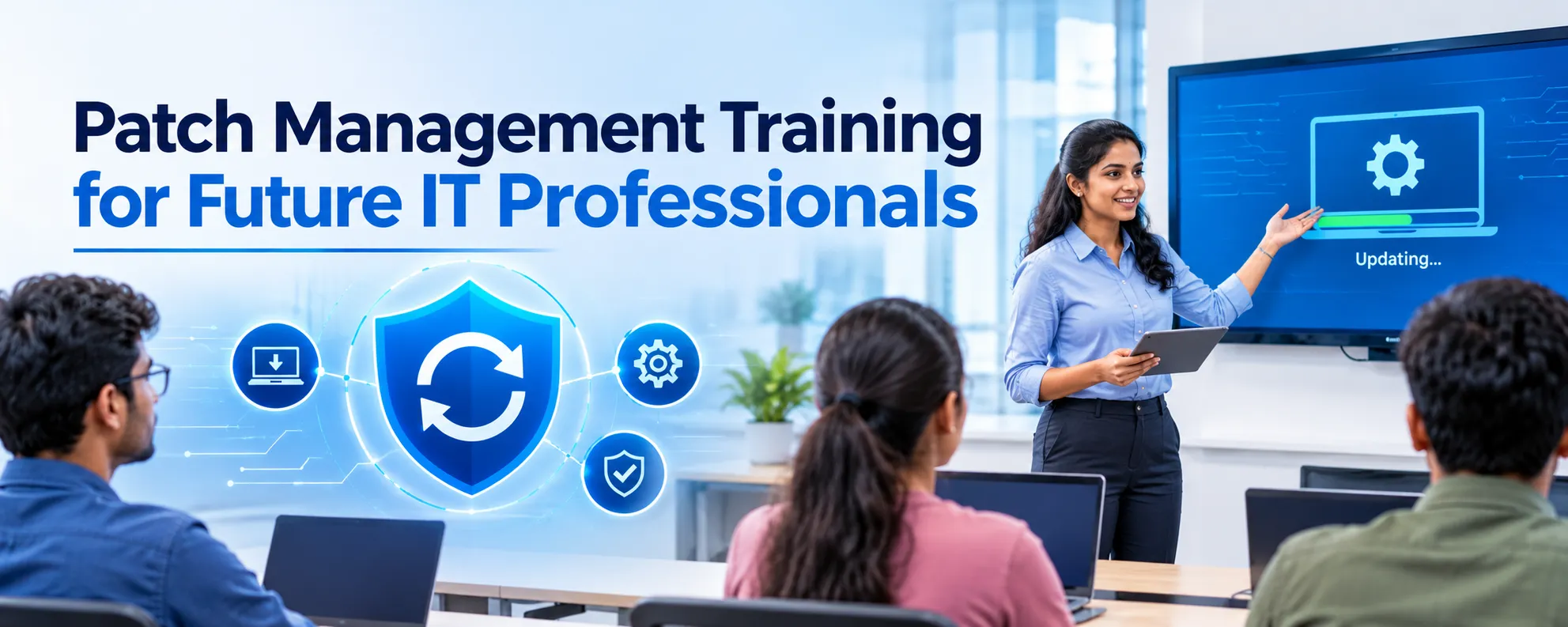
IT systems need regular maintenance to remain secure and stable. Software vendors release updates to fix security issues, correct errors, and improve system performance. IT professionals need to know how to find, test, and install these updates without disrupting business operations. Patch Management Training helps beginners learn this process and develop skills for IT support, system administration, and infrastructure management. Students who learn patch management can prepare for technical roles that involve software updates, security checks, and system maintenance.
Patch management is a key part of IT operations. Organizations use computers, servers, applications, and network devices to carry out their daily tasks. Outdated systems may have security gaps or software errors. A planned patching process helps IT teams reduce these risks and keep systems running. Future IT professionals can include patch management in their technical learning.
What Is Patch Management?
Patch management involves finding, testing, installing, and monitoring software updates across IT systems. Vendors release patches to fix software bugs, address security vulnerabilities, and improve system stability. These updates may apply to operating systems, business applications, servers, and other IT components.
For example, a company may use Windows Server to manage user accounts, files, and business applications. When Microsoft releases a security update, the IT team needs to review the update, test its impact, and install it as part of the company’s maintenance plan.
Patch management involves several tasks:
- Patch identification: Find available updates for operating systems and applications.
- Patch assessment: Review the importance, risks, and purpose of each update.
- Patch testing: Check updates in a test environment before deployment.
- Patch deployment: Install approved updates on selected systems.
- Patch verification: Confirm that updates have installed and systems work as expected.
- Patch reporting: Maintain records of completed updates, failed installations, and pending patches.
These tasks help IT teams manage software updates with a clear process. Students who understand each stage can build a strong foundation for technical support and system administration roles.
Why Is Patch Management Important for IT Professionals?
Modern IT environments depend on many connected systems. A single unpatched server or application may expose an organization to security threats. Patch management helps businesses reduce these risks and maintain control over their IT infrastructure.
1. Improve System Security
Software vulnerabilities can give attackers a way to access systems or data. Security patches address known weaknesses and help protect business resources. IT professionals need to recognize critical updates and understand when to apply them.
Training helps learners understand how security updates fit into an organization’s wider security process. They can also learn why teams must track missing patches and review systems that have not received important updates.
2. Maintain System Stability
Software errors can affect applications, servers, and user access. Vendors release patches to correct known problems and improve product stability. A structured update process helps IT teams manage these fixes and check whether systems continue to work as expected.
Testing is an important step because an update may affect existing applications or system settings. IT professionals must learn to assess these risks before applying patches to production systems.
3. Support Business Operations
Businesses rely on IT systems for communication, data storage, customer services, and daily operations. Poorly planned updates can cause downtime or interrupt important services.
A patch management plan helps teams schedule maintenance, communicate with users, and prepare recovery steps. These skills are useful for professionals who manage servers, desktops, applications, and enterprise infrastructure.
4. Build Technical Skills
Patch management gives learners practical knowledge of operating systems, software updates, system monitoring, and troubleshooting. These skills support several IT career paths, including system administration, IT support, infrastructure management, and security operations.
What Will You Learn in Patch Management Training?
A structured course should cover the main stages of patch management and give learners opportunities to practice common tasks. The exact topics depend on the course syllabus and the tools used by the training provider.
Patch Management Fundamentals
Students learn what patches are, why vendors release them, and how updates affect IT systems. They explore the difference between security patches, bug fixes, feature updates, and routine maintenance updates.
This foundation helps beginners understand why organizations need a patching policy and how IT teams decide which updates require attention.
Operating System Updates
Operating systems need regular updates to address security issues and correct software problems. Learners can study update management for Windows desktops and servers, along with basic concepts for Linux environments.
Training may cover update settings, installation methods, restart requirements, and ways to check whether an update has been applied. These skills are useful for people who want to work with business computers and server infrastructure.
Patch Testing and Deployment
Testing helps IT teams identify problems before rolling out updates across an organization. Learners study how to select test systems, check application compatibility, and review update results.
They also learn how to plan deployment schedules, organize systems into groups, and manage updates during approved maintenance windows. A controlled approach can reduce the risk of unexpected service interruptions.
Monitoring and Troubleshooting
Not every update installs without an issue. A patch may fail because of network problems, insufficient storage, software conflicts, or system configuration errors.
Students learn how to review update logs, identify installation failures, check system status, and follow troubleshooting steps. They can also study how to verify successful installations and document unresolved issues.
Reporting and Documentation
IT teams need accurate records of patch status across their systems. Documentation helps them identify unpatched devices, track failed updates, and prepare for internal audits.
Learners can practice maintaining update records, creating status reports, and documenting the steps taken to resolve patching issues. These tasks build the work habits expected in IT support and infrastructure roles.
How Practical Training Helps Future IT Professionals
Reading about patch management provides useful knowledge, but hands-on practice helps learners understand how updates work in real IT environments. Practical sessions allow students to apply course concepts and learn from common technical issues.
During lab practice, students may work on tasks such as:
- Checking systems for available software updates.
- Reviewing patch details and assessing their importance.
- Installing approved updates in a test environment.
- Checking update history and installation status.
- Troubleshooting failed updates.
- Recording patch results and preparing reports.
These exercises help learners become familiar with the patching process. They also build confidence in handling routine maintenance tasks.
A course that includes practical labs, guided exercises, and troubleshooting activities can help students connect technical concepts with workplace responsibilities. Before joining a course, learners should review its syllabus, lab facilities, and opportunities to practice with relevant tools.
Who Should Learn Patch Management?
Patch management is useful for people who work with computers, servers, applications, and IT infrastructure. Beginners can learn the fundamentals, while working professionals can use the knowledge to improve their maintenance and security practices.
The course may suit:
- IT beginners: Students who want to understand software updates and system maintenance.
- System administrators: Professionals who manage operating systems, servers, and user environments.
- IT support technicians: Team members who troubleshoot update failures and software issues.
- Network and infrastructure professionals: Staff responsible for maintaining systems across an organization.
- Security teams: Professionals who help identify vulnerabilities and track security updates.
- Career changers: People who want to develop technical skills for IT roles.
Learners do not need to master every patch management tool before starting. Basic computer knowledge and an interest in operating systems provide a useful starting point.
Patch Management Certification and Career Development
A <strong><em>Patch Management Certification</em></strong> can help learners demonstrate their knowledge of patching concepts, update procedures, and system maintenance. The value of a certification depends on the issuing organization, the skills it covers, and its recognition among employers.
Before choosing a certification, review the syllabus and assessment requirements. Look for topics that match your career goals, such as operating system updates, vulnerability remediation, deployment planning, and troubleshooting. Practical experience can also help you explain your skills during interviews.
Some vendor certifications cover patch management as part of broader system administration, endpoint management, or security training. Learners should check the official certification requirements to confirm whether a course prepares them for a specific exam. Completing a course does not automatically mean that a learner holds a vendor-issued certification.
The right combination of technical knowledge, lab practice, and relevant credentials can support career development. Employers may also consider troubleshooting ability, communication, documentation, and experience with their own IT tools.
Career Opportunities After Learning Patch Management
Patch management skills can support several entry-level and experienced IT roles. The job title and responsibilities depend on an employer’s infrastructure, tools, and security requirements.
IT Support Technician
IT support technicians help users resolve software problems, install approved updates, and check whether computers work as expected. Patch management knowledge helps them understand update errors and follow maintenance procedures.
System Administrator
System administrators maintain servers, operating systems, user accounts, and business applications. They may plan updates, test patches, monitor deployment results, and keep maintenance records.
Endpoint Management Technician
Endpoint management professionals help maintain laptops, desktops, and other devices across an organization. Their work may include update deployment, device compliance checks, and troubleshooting.
IT Infrastructure Engineer
Infrastructure engineers work with servers, networks, storage, and enterprise systems. Patch management knowledge helps them plan updates and reduce risks to services that support business operations.
Security Operations Analyst
Security operations analysts may work with vulnerability reports and help track systems that need security updates. Patch management knowledge supports their understanding of vulnerability remediation and security maintenance.
A course alone does not guarantee a job. Learners should combine their training with practical experience, operating system knowledge, troubleshooting skills, and interview preparation.
How to Choose the Right Patch Management Course
Choosing a suitable course can help you build skills that match your career goals. Review the course content and training approach before enrolling.
Consider these factors:
- Course syllabus: Check whether it covers patch identification, testing, deployment, verification, and reporting.
- Practical labs: Look for exercises that allow you to perform update tasks and troubleshoot common problems.
- Tools and platforms: Review the operating systems and patch management tools included in the course.
- Trainer experience: Choose a program led by trainers who understand IT administration and infrastructure operations.
- Certification guidance: Check whether the course prepares you for a relevant certification exam, if that is your goal.
- Career support: Ask whether the provider offers interview preparation, resume guidance, or placement assistance.
Beginners should focus on courses that explain concepts in simple language and provide guided practice. Working professionals may prefer advanced content that covers automation, reporting, compliance, and large-scale update deployment.
Conclusion
Patch management is a key responsibility in modern IT environments. It helps organizations address software vulnerabilities, fix errors, maintain system stability, and reduce risks caused by outdated software. Future IT professionals can use these skills to prepare for roles in technical support, system administration, endpoint management, and IT infrastructure.
Patch Management Training provides a starting point for learning update planning, deployment, verification, and troubleshooting. Learners who want to strengthen their professional profile can also explore a relevant Patch Management Certification based on their career goals. Combine technical learning with hands-on practice to build a strong foundation for IT work.
Discover more from RealTech IT Academy
Subscribe to get the latest posts sent to your email.