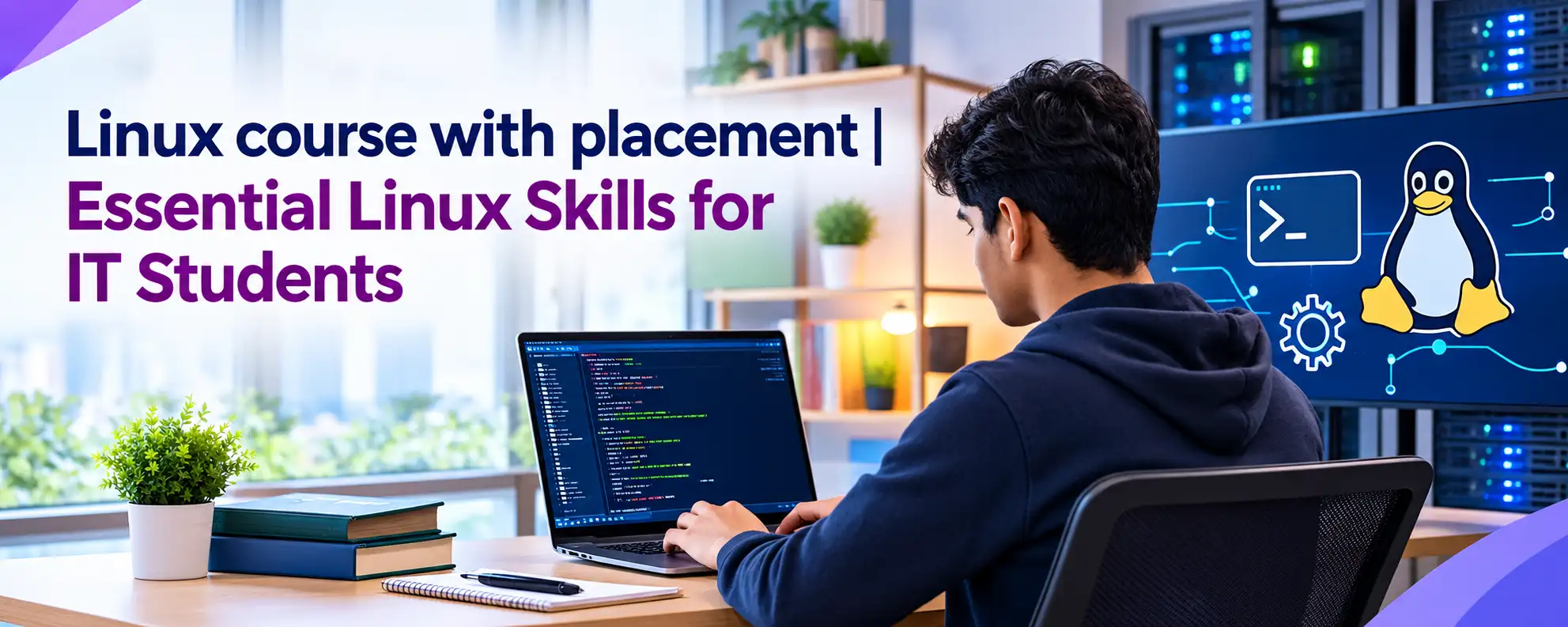
Linux course with placement | Essential Linux Skills for IT Students
Starting a career in IT requires more than basic computer knowledge. Students need practical skills that help them understand servers, operating systems, networks, cloud platforms, and…
Starting a career in IT requires more than basic computer knowledge. Students need practical skills that help them understand servers, operating systems, networks, cloud platforms, and applications. Linux is one of the most widely used operating systems in IT environments. It supports web servers, cloud platforms, development environments, cybersecurity systems, and data centers. A well-structured Linux course with placement can help students develop practical knowledge and prepare for different technical roles.
Why Linux Skills Matter for IT Students
Linux plays an important role in modern IT infrastructure. Many organizations use Linux to run servers, applications, websites, databases, and cloud workloads. Therefore, students who understand Linux can explore several career opportunities.
Learning Linux also helps students understand how an operating system works. Instead of depending only on a graphical interface, students learn how to work with commands, files, processes, users, permissions, and services.
Linux knowledge can help students prepare for roles such as:
- Linux Administrator
- System Administrator
- Cloud Support Engineer
- DevOps Engineer
- Technical Support Engineer
- Infrastructure Engineer
- Cloud Engineer
- Server Administrator
A good Best Linux Training program should focus on practical learning instead of only explaining theoretical concepts. Students should get opportunities to work on real-world tasks and troubleshoot common system problems.
Linux Command Line Basics
The Linux command line is one of the most important skills for anyone working with Linux systems. Administrators often use the terminal to perform tasks faster and manage servers remotely.
Students should become comfortable with common Linux commands and understand when to use them.
Important commands include:
- pwd – Check the current directory
- ls – View files and directories
- cd – Move between directories
- mkdir – Create directories
- cp – Copy files and directories
- mv – Move or rename files
- rm – Remove files
- cat – Display file content
- grep – Search for specific text
- find – Locate files and directories
Regular command-line practice improves confidence. It also creates a strong foundation for system administration, automation, and troubleshooting.
Linux File System Management
Linux follows a structured file system that students need to understand before moving into advanced administration. Each directory has a specific purpose, and knowing these locations helps administrators manage systems efficiently.
Students should understand important directories such as /etc, /var, /home, /tmp, /usr, /opt, and /boot.
File management also includes creating, copying, moving, deleting, and searching for files. Students should understand file paths and learn how permissions affect access to files and directories.
These skills become particularly useful when managing servers or troubleshooting applications.
User and Group Management
Linux supports multiple users and groups, which makes user management an important administration skill. System administrators need to control who can access specific files, directories, and services.
Students should practice the following tasks:
- Creating and deleting users
- Creating and managing groups
- Changing user passwords
- Adding users to groups
- Modifying user information
- Managing file ownership
- Configuring user permissions
- Understanding read, write, and execute permissions
Understanding users and groups also introduces students to an important part of Linux security. Correct permissions help protect system files and sensitive information.
Linux Permissions and Security
Security should be part of every Linux learning journey. Incorrect permissions can allow unauthorized users to access important resources or prevent applications from functioning correctly.
Students should learn commands such as chmod, chown, and chgrp. They should also understand how ownership and permissions work.
Basic Linux security topics include:
- File and directory permissions
- User and group access
- File ownership
- Password management
- SSH access
- Firewall basics
- Security updates
- Service management
A strong Best Linux Training program should provide practical exercises so students can understand security concepts through real examples.
Process and Service Management
Linux systems run many processes and services in the background. Administrators need to monitor these processes and take action when a service stops or consumes excessive resources.
Students should learn how to identify running processes, check service status, start or stop services, and investigate system activity.
Common tools include ps, top, systemctl, and kill.
For example, if a web service stops working, an administrator can check its status, review available information, and restart the service when required. These basic troubleshooting skills are useful in real IT environments.
Linux Networking Skills
Networking knowledge makes Linux administration more effective. Linux servers communicate with other systems through networks, so students should understand basic networking concepts.
Important areas include:
- IP addresses
- DNS
- Hostnames
- Network interfaces
- Ports
- Basic routing
- SSH
- Network connectivity
- Basic troubleshooting
Students can practice commands such as ping, ip, ss, curl, and nslookup.
These commands help administrators check connectivity and identify common network problems. Networking skills also provide a useful foundation for cloud computing and DevOps.
Shell Scripting and Automation
IT professionals often perform repetitive administrative tasks. Shell scripting allows them to automate many of these activities and save time.
Students should learn basic scripting concepts such as variables, conditions, loops, functions, arguments, and input/output.
They can create simple scripts to:
- Check disk usage
- Monitor services
- Create backups
- Manage files
- Check system information
- Automate routine administration tasks
Automation skills can become especially valuable for students who later move into DevOps, cloud computing, or infrastructure management.
Package and Software Management
Linux distributions use package managers to install, update, and remove software. Students should understand how package management works because administrators frequently need to install applications and system tools.
Depending on the Linux distribution, students may work with APT, YUM, DNF, or RPM.
They should know how to search for packages, install software, update packages, remove applications, and check installed software.
Practical package management experience helps students understand how Linux environments are prepared for applications and services.
Storage and Disk Management
Storage management is another important Linux skill. Administrators need to monitor disk space and understand how Linux systems use disks and file systems.
Students should learn about:
- Disk space monitoring
- Partitions
- File systems
- Mounting and unmounting
- Disk usage
- Logical volumes
- Storage troubleshooting
Commands such as df, du, and lsblk help administrators examine storage resources.
Hands-on practice makes storage concepts easier to understand and prepares students to handle common server issues.
Linux Troubleshooting Skills
Knowing commands is useful, but knowing how to solve problems is even more important. IT professionals regularly troubleshoot issues related to services, permissions, storage, networking, and applications.
Students should develop a logical troubleshooting approach. They can begin by identifying the problem and checking recent changes. Then, they can review system information, inspect logs, verify services, test connectivity, and check permissions.
Linux logs often provide useful information when a service or application fails. Learning how to find and understand relevant logs helps students solve problems more confidently.
Hands-On Practice Builds Confidence
Reading Linux concepts is not enough. Students need regular practice to become comfortable with the operating system.
A practical Linux course with placement should provide hands-on labs where students can create users, manage permissions, configure services, work with networking, and troubleshoot system problems.
Students can use virtual machines to build their own Linux practice environment. This gives them the freedom to experiment with commands and configurations without affecting a production server.
Projects can also help students understand how different Linux skills work together. For example, a student may create users, configure permissions, install a service, test network connectivity, and troubleshoot an issue within the same project.
How to Choose the Right Linux Training
Choosing the right training program can make the learning process easier and more practical. Students should look for a program that covers both fundamentals and real-world administration.
Before selecting Best Linux Training, students can check whether it includes:
- Practical Linux laboratory sessions
- Command-line training
- Linux administration concepts
- Networking fundamentals
- Security basics
- Shell scripting
- Storage management
- Troubleshooting exercises
- Real-world projects
- Interview preparation
- Placement support
Students should also consider their current knowledge level. Beginners can start with basic Linux concepts, while students with IT experience can explore administration, automation, cloud, or DevOps-related topics.
Linux and Future IT Careers
Linux provides a strong foundation for several technology careers. Students can use their Linux knowledge as a starting point and gradually move into specialized areas.
After learning the fundamentals, they can explore:
- Cloud computing
- DevOps
- Docker
- Kubernetes
- Cybersecurity
- Ansible
- CI/CD
- Server administration
- Infrastructure management
Linux skills are useful across these areas because many modern infrastructure and application environments depend on Linux.
Conclusion: Build a Strong IT Foundation with Linux
Linux is more than an operating system. It is an important technology skill for students who want to work in system administration, cloud computing, DevOps, infrastructure, and related IT fields.
A structured Linux course with placement can help students develop practical administration skills while preparing for technical career opportunities. At the same time, Best Linux Training should combine theory, hands-on practice, troubleshooting, and career-focused learning.
For IT students, the goal should not be to memorize Linux commands. Instead, students should understand how Linux systems work, practice solving problems, and build skills that they can apply in real IT environments. With consistent practice and the right learning approach, Linux can become a strong foundation for long-term growth in the technology industry.
Discover more from RealTech IT Academy
Subscribe to get the latest posts sent to your email.